Quarto code chunk options, explained
quarto
reproducibility
A practical guide to Quarto chunk options: echo, eval, include, warning, message, output, and the figure options fig-cap, fig-width and label — with a live example.
A Quarto code chunk runs R and drops the result into your document. Chunk options control how — whether the code shows, whether warnings appear, how big a figure is. In Quarto they go on #| (“hash-pipe”) lines at the top of the chunk, one per line.
The shape
```{r}
#| echo: false
#| warning: false
summary(cars)
```
Everything after #| is a YAML setting for that chunk. Here the code is hidden and warnings are suppressed — only the output appears.
The options you’ll use constantly
echo— show the code?echo: falseruns it but hides the source (clean reports);echo: trueshows it (tutorials).eval— run the code?eval: falsedisplays the code without executing it — handy for illustrating syntax.include—include: falseruns the code but shows nothing (neither code nor output). Perfect for a hidden setup chunk that loads packages.warning/message—falsekeeps R’s warnings and startup messages out of the finished document.output—output: falseruns the code and keeps the source but hides the result.
A common pattern — one silent setup chunk, then visible analysis:
```{r}
#| include: false
library(ggplot2)
library(dplyr)
```
Figure options
When a chunk draws, these control the figure:
label— an identifier starting withfig-(e.g.fig-trend) so you can cross-reference it.fig-cap— the caption printed under the figure.fig-width/fig-height— size in inches.fig-align—left,centerorright.
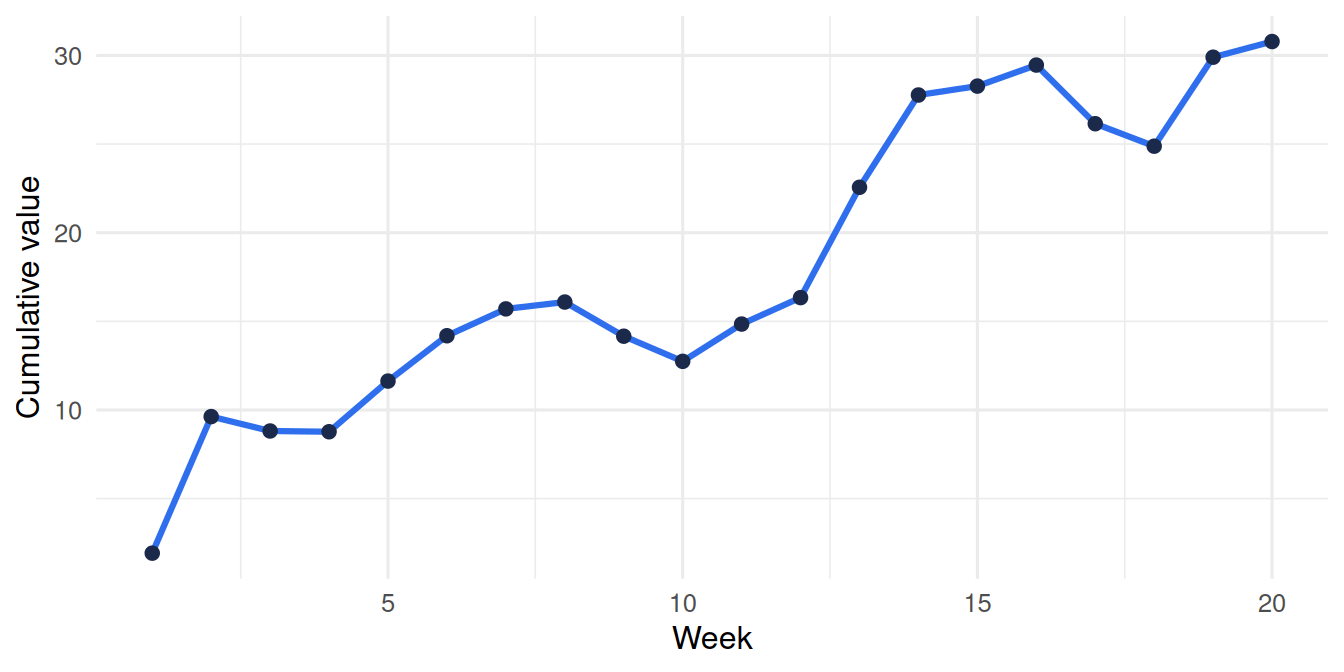
Here’s a real chunk with fig-width: 7, fig-height: 3.5 and a caption — rendered live:
Change fig-width and re-render and the figure resizes — no image editing.
Setting options for the whole document
Repeating echo: false on every chunk is tedious. Set a default once in the YAML header and override per chunk only where needed:
---
execute:
  echo: false
  warning: false
---
Try it live
The code-chunks lesson in our Learn Quarto course lets you toggle these options in a live R console and watch the output change.
Want reports where every figure and number regenerates from the data, reproducibly? That’s what we build.